
Marketplace · Operations & Tracking
Fleet Dispatch & Routing
Replace the dispatch spreadsheet the operation quietly runs on.

The situation
Jobs are allocated in a shared sheet, changes are phoned through, and the driver works from this morning's screenshot. The sheet is not a bad tool. It just cannot tell two people they are editing the same cell, and when that happens the field finds out first.
What you end up with
One live allocation everyone works from Changes that reach the field immediately A record of what was assigned and when
As a marketplace item
Holds one live allocation of jobs to drivers and vehicles, and puts every change in front of the person in the field.
Out of the box
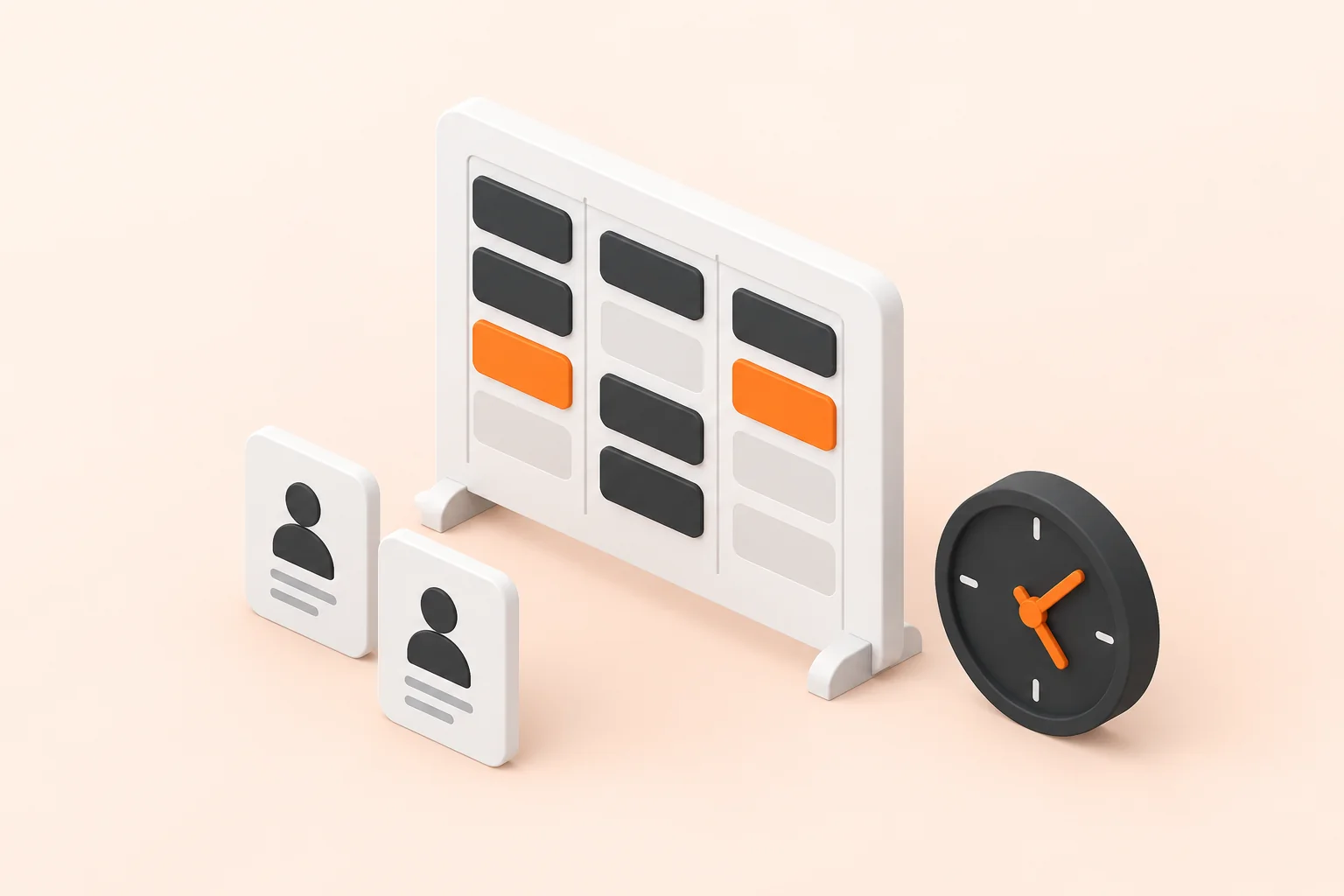
Jobs, drivers and vehicles sit on one allocation board that catches clashes as they are made rather than after the van has left. A change on the board reaches the driver's phone straight away, so nobody is working from this morning's version. Status comes back from the field onto the same job, including the proof that it was done. What was assigned, when, and by whom stays on the record, which settles most of the arguments a dispatch operation has after the fact.
What typically gets tailored
The board, the driver view and the field capture come working. The tailoring is how your operation actually allocates, which covers your job types and depots, your shift patterns, and the rules a dispatcher applies without thinking about them. The mapping or telematics service you already pay for is connected rather than replaced.

Frequently asked questions
What is the BuildPad Fleet Dispatch & Routing template?
The BuildPad Fleet Dispatch & Routing template is a production-ready application that holds one live allocation of jobs to drivers and vehicles, and puts every change in front of the person in the field. It is a working application rather than a scaffold, and a build starts from it and is tailored to your data, your processes and your rules.
How long does a Fleet Dispatch & Routing build take?
A Fleet Dispatch & Routing application built from the BuildPad template typically takes 3-4 weeks. That is a working estimate rather than a quote, and it depends on how much of your process differs from the base.
What does the Fleet Dispatch & Routing template include out of the box?
The BuildPad Fleet Dispatch & Routing template ships with job, driver and vehicle records, an allocation board that catches clashes, a driver view built for a phone, status updates captured in the field and a record of what was assigned and when. Role-based access control, policies, permissions and audit logs are part of every BuildPad build as well.
Can the Fleet Dispatch & Routing template be tailored to our process?
Yes. What usually gets tailored on a Fleet Dispatch & Routing build is your job types and depot structure, allocation rules and shift patterns, the telematics or mapping service you use and proof-of-delivery capture. The data model, the roles, the workflow and the audit trail are already built and tested, which is why the estimate is weeks rather than quarters.
What software does Fleet Dispatch & Routing replace?
The BuildPad Fleet Dispatch & Routing template typically stands in for dispatch and field-service subscriptions. Instead of a per-seat subscription shaped around someone else's process, you get an application shaped around yours, running in your own cloud, with the source code yours to keep.