
Marketplace · Operations & Tracking
Warehouse Stock Movement
Track what moved, who moved it, and what the count should be.
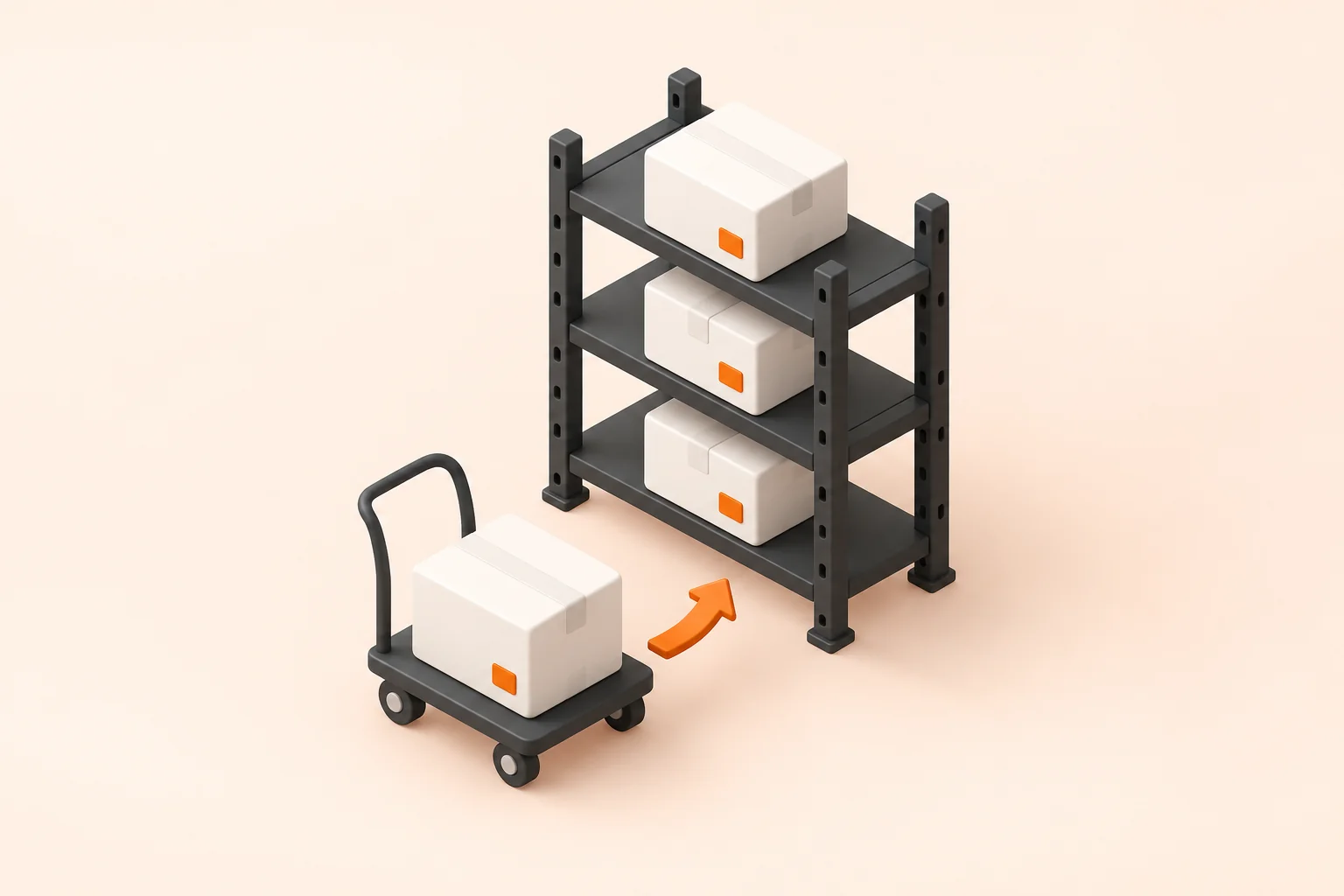
The situation
Stock counts drift between the system of record and the floor, and nobody can point to the movement that caused it. The correction happens at the next full count, which is weeks after it mattered and long after anyone remembers what happened.
What you end up with
Movements captured where they happen Discrepancies surfaced the same day Counts traceable to the person and the moment
As a marketplace item
Captures stock movements where they happen and reconciles them against the count the system expects.
Out of the box
Movements are captured on a handheld where they happen, by scanning rather than by writing them down to key in later. Counted stock is reconciled against what the system expected, and anything that disagrees goes to a discrepancy queue for sign-off the same day, while the person who moved it is still on shift. Every movement keeps the item, the location, the person and the time. That is what turns a drifting count into a specific event somebody can explain.
What typically gets tailored
Scan capture, reconciliation and the discrepancy queue are built. The tailoring is fitting the floor you already have, which means the bin names your pickers actually say out loud, the barcodes already printed on the racking, and the tolerances you are willing to sign off. The ERP has to agree with the count at the end of it, so that hand-off is part of the build rather than a later phase.


Frequently asked questions
What is the BuildPad Warehouse Stock Movement template?
The BuildPad Warehouse Stock Movement template is a production-ready application that captures stock movements where they happen and reconciles them against the count the system expects. It is a working application rather than a scaffold, and a build starts from it and is tailored to your data, your processes and your rules.
How long does a Warehouse Stock Movement build take?
A Warehouse Stock Movement application built from the BuildPad template typically takes 3-4 weeks. That is a working estimate rather than a quote, and it depends on how much of your process differs from the base.
What does the Warehouse Stock Movement template include out of the box?
The BuildPad Warehouse Stock Movement template ships with item, location and movement records, scan-and-move capture on a handheld, expected-against-counted reconciliation, a discrepancy queue with sign-off and movement history per item and per person. Role-based access control, policies, permissions and audit logs are part of every BuildPad build as well.
Can the Warehouse Stock Movement template be tailored to our process?
Yes. What usually gets tailored on a Warehouse Stock Movement build is your location and bin naming, the barcode or RFID format already in use, synchronisation with your ERP and cycle count schedule and tolerances. The data model, the roles, the workflow and the audit trail are already built and tested, which is why the estimate is weeks rather than quarters.
What software does Warehouse Stock Movement replace?
The BuildPad Warehouse Stock Movement template typically stands in for warehouse management modules. Instead of a per-seat subscription shaped around someone else's process, you get an application shaped around yours, running in your own cloud, with the source code yours to keep.