
A Marketplace of software we already built.
The Marketplace is a part of BuildPad, not a store you buy BuildPad from. Inside it are 12 working applications we have built and run. Start from the closest one and we change it to fit your data, your processes and your rules.
One base for multiple businesses.
One Marketplace application can serve several subsidiaries or countries from a single base. For example, say they share core HR functions but payroll follows local law. Off the shelf that means three subscriptions. Here it is one base, tailored per country.
Marketplace item
HRIS
A production-ready HR system. The same in every country you operate in.
- Employee records
- Org structure & reporting lines
- Leave & absence
- Time & attendance
- Claims & reimbursements
Singapore
Xtremax Singapore
What is customized?
- CPF contributions
- IR8A submission
- SDL
Malaysia
Xtremax Malaysia
What is customized?
- EPF & SOCSO
- PCB deductions
- EIS
Indonesia
Xtremax Indonesia
What is customized?
- BPJS Ketenagakerjaan
- PPh 21
- THR
- Workflow & ApprovalsPermit & Licence ProcessingApplications, assessment and approval on one governed record.Replaces: Case management and BPM suitesSee the listing
- Workflow & ApprovalsExpense & Purchase ApprovalsRequests, limits and sign-off on one record per claim.Replaces: Spend management subscriptionsSee the listing
- Intake & Case ManagementClient Onboarding & KYCCollect, verify and evidence onboarding without the email chain.Replaces: Onboarding and KYC platform subscriptionsSee the listing
- Intake & Case ManagementInternal Service DeskStaff requests triaged, assigned and answered on target.Replaces: IT service desk subscriptionsSee the listing
- Registry & RecordsSupplier Onboarding & ComplianceVetting, documents and renewals in one place per supplier.Replaces: Supplier management and vendor portal subscriptionsSee the listing
- Registry & RecordsIT Asset & Device RegisterEvery device and licence, and who holds it right now.Replaces: IT asset management subscriptionsSee the listing
- External PortalCitizen Service RequestsPublic intake that routes to the right desk and stays traceable.Replaces: Helpdesk and ticketing subscriptionsSee the listing
- External PortalBroker & Partner PortalExternal access where each partner sees only their own book.Replaces: Partner portal and extranet subscriptionsSee the listing
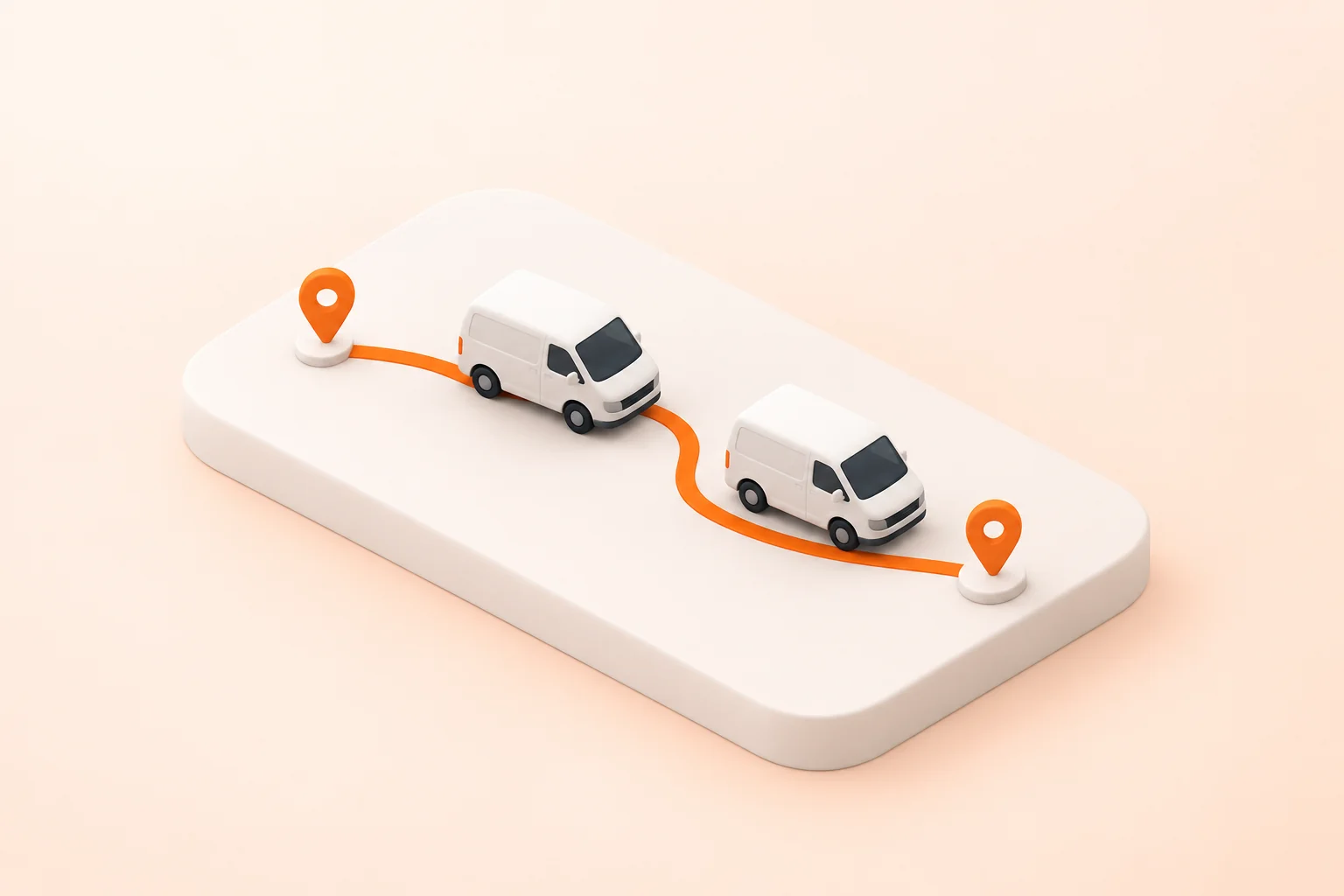
- Operations & TrackingFleet Dispatch & RoutingReplace the dispatch spreadsheet the operation quietly runs on.Replaces: Dispatch and field-service subscriptionsSee the listing
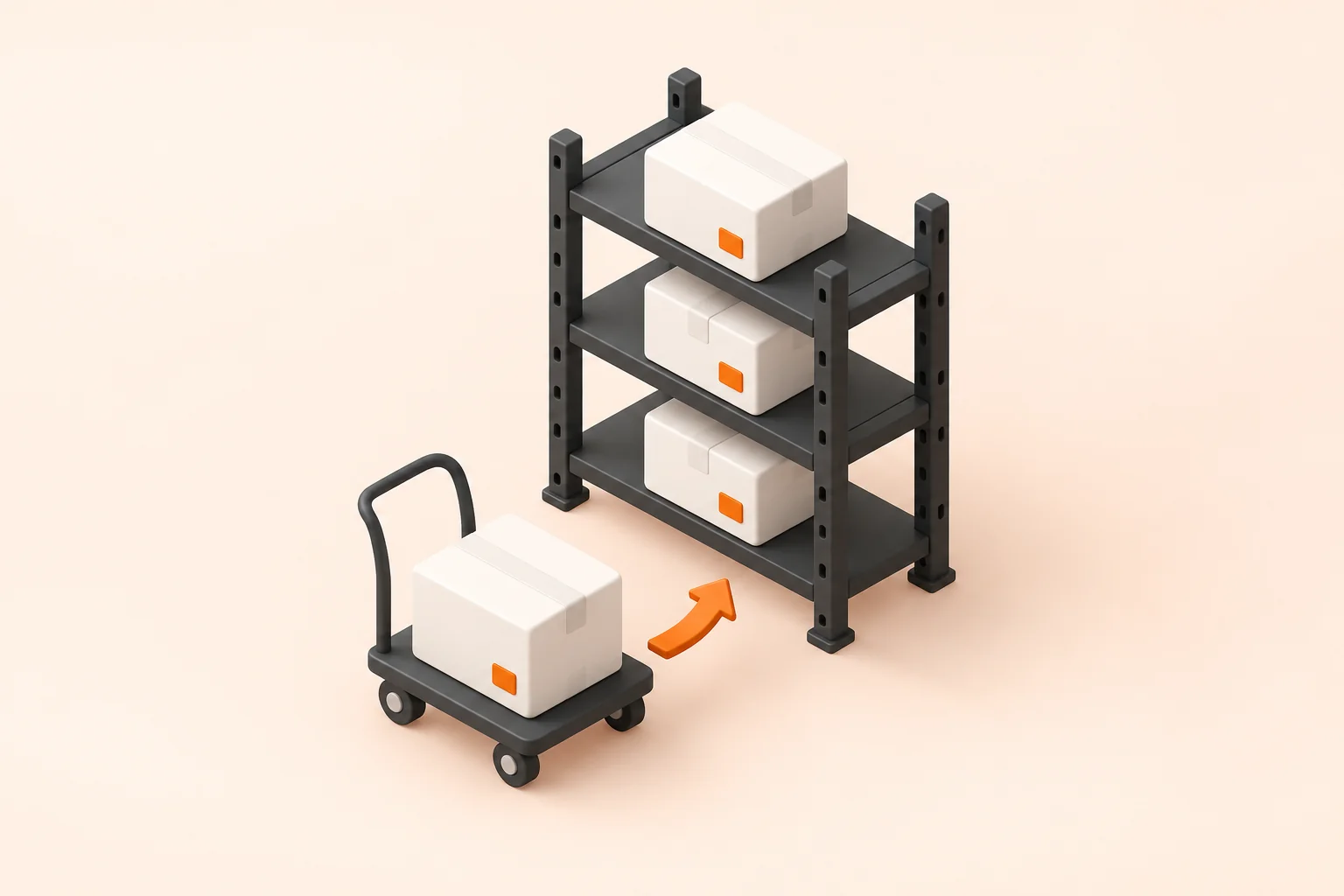
- Operations & TrackingWarehouse Stock MovementTrack what moved, who moved it, and what the count should be.Replaces: Warehouse management modulesSee the listing
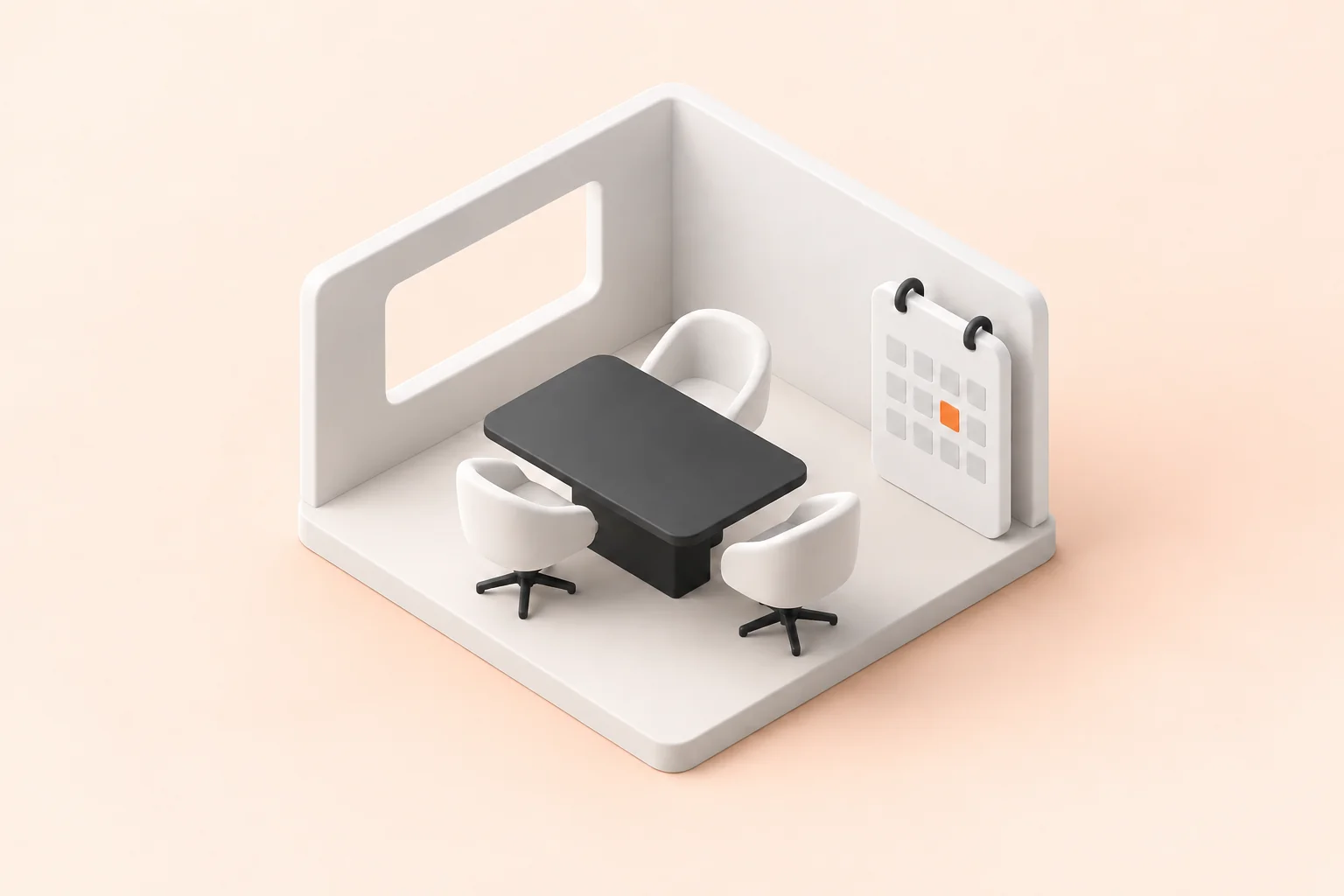
- Scheduling & ResourcesCampus Facility BookingRooms, equipment and approvals without the double booking.Replaces: Room and resource booking subscriptionsSee the listing
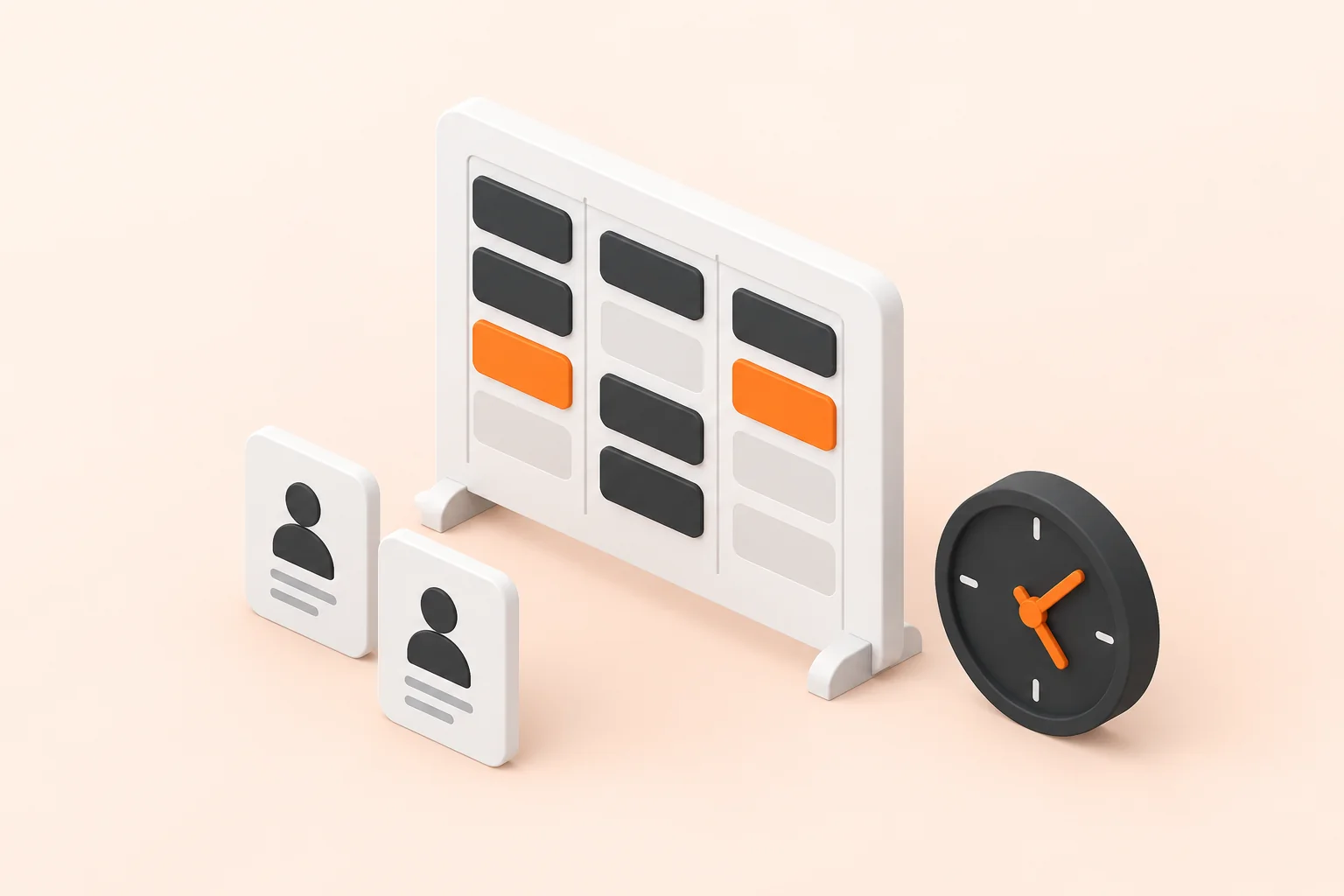
- Scheduling & ResourcesClinical Roster & Shift ManagementCover, swaps and credentials on one live roster.Replaces: Rostering and workforce management subscriptionsSee the listing
- Nothing here fits?Then we build it from scratch, same platform, same governance, same ownership. Software we already built is a head start, never a limit.Tell us what you need
Frequently asked questions
What is BuildPad?
BuildPad is our AI rapid application development platform. We are a software company in Singapore. It has three parts: a Marketplace of finished applications we have already built, a Dev Platform where one of them is tailored to your business, and xAppHub where you run and govern all of them.
What can you build with BuildPad?
BuildPad builds internal business applications: approval workflows, case management, registries, external portals, operations tracking, scheduling, and many more. Check out our Marketplace for app foundations and templates that are ready to be personalized for your business. We can also create ones from scratch for those we haven't covered.
How long does it take to build an application with BuildPad?
A BuildPad application built from one in the Marketplace typically takes two to six weeks. Each listing carries its own estimate, so check the one you would start from. It is weeks rather than quarters because the infrastructure, data model, roles, audit and deployment already exist before the build starts.
How much does BuildPad cost?
BuildPad is priced per organization, not per seat. The number is set by how many applications you build, how many people use them, and how much you want us involved. It costs the same or less than the subscription it replaces, and you own what you get.
Why build internal tools instead of buying software for them?
Buy off-the-shelf software when your process looks like everyone else's, and build with BuildPad when it does not. Teams whose process diverges bend it to fit the tool, buy a second tool for the gap, and renew anyway because migrating costs more. BuildPad gives you an application shaped around how you actually work, in weeks.
What does BuildPad generate?
BuildPad generates the whole secured stack, not just the screens. UI: pages, forms and tables built from your schema. Logic: workflows, server-side rules and scheduled jobs. Data: collections, relations, roles, policies and an audit trail. Interface: a typed DaaS client, REST endpoints, authentication and file handling.
How is BuildPad different from other AI coding tools and app builders?
BuildPad follows a fixed method instead of open-ended prompting: requirements, then design, then tasks, each approved before any code, then a build in six tested phases. It generates the layers underneath the screens rather than a front end over a hosted database, and it assembles proven modules rather than regenerating them.
Who owns the code BuildPad generates?
You own the code BuildPad generates, outright, in your own git repository. That holds whether your own team runs the build or one of our forward deployed engineers builds it alongside you. UI components are copied in as editable source rather than imported from a package, so nothing stops you maintaining it without BuildPad.
Is BuildPad secure enough for government and regulated work?
BuildPad generates the security model rather than leaving it to be added before launch, which is what makes it usable for government and regulated work. Role-based access control, policies, permissions, field and record level rules, workflow controls and audit logs are enforced on the server and infrastructure.
How do I get started with BuildPad?
Book a demo and we walk you through the platform against your own case, including what it would cost. From there your own team can run the build, or a forward deployed engineer can learn how your business works and build it alongside you. Same platform, same ownership either way.