
Marketplace · Registry & Records
IT Asset & Device Register
Every device and licence, and who holds it right now.
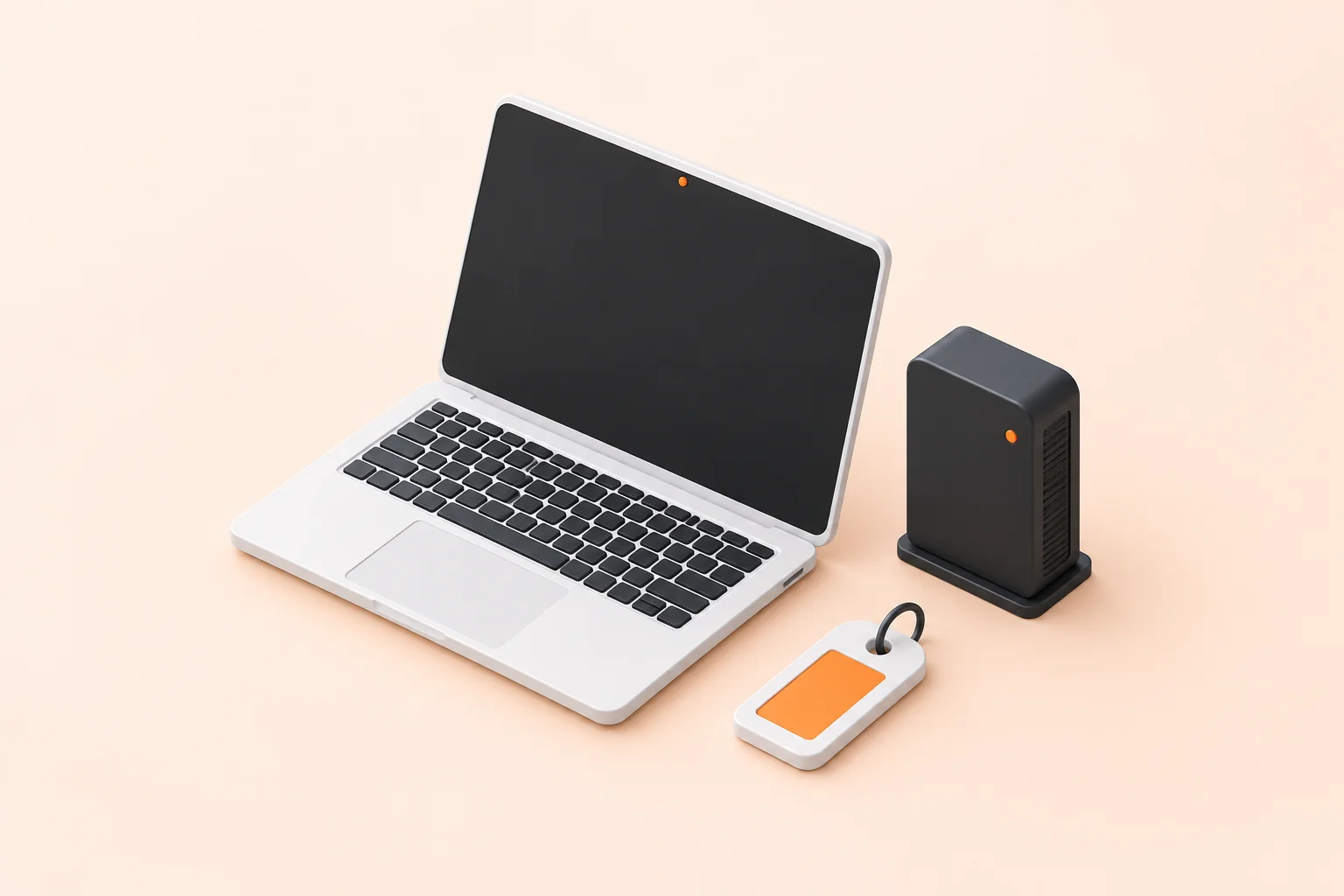
The situation
Laptops live in a spreadsheet, licences in a supplier portal, and assignments in whatever the last IT hire remembered to write down. The three agree for about a month after somebody tidies them. At audit, or on the day someone leaves, the register and the reality disagree and the register loses.
What you end up with
One record per asset, with its current holder Renewals surfaced before a licence lapses A leaver's equipment accounted for on the day
As a marketplace item
Holds every device, licence and subscription on one register, with the person it is assigned to, what it cost, and when it is due back or up for renewal.
Out of the box
An asset is added once and then carries its own trail: who holds it now, who held it before, what it cost and what it is worth on the books. Renewal dates come with a notice period, so a licence surfaces while there is still time to decide about it rather than the week it renews itself. On the day somebody leaves, their equipment is a list rather than a search. The register exports whole for audit, including the assignment history behind every line.
What typically gets tailored
Asset records, assignment history and renewal notices are built. The tailoring is mostly fields and feeds: what you track for each kind of asset, and the HR data that tells the register when somebody joins or leaves so it stays true without anyone maintaining it. Where you already run discovery tooling, it populates the register instead of sitting beside it.

Frequently asked questions
What is the BuildPad IT Asset & Device Register template?
The BuildPad IT Asset & Device Register template is a production-ready application that holds every device, licence and subscription on one register, with the person it is assigned to, what it cost, and when it is due back or up for renewal. It is a working application rather than a scaffold, and a build starts from it and is tailored to your data, your processes and your rules.
How long does a IT Asset & Device Register build take?
A IT Asset & Device Register application built from the BuildPad template typically takes 2-3 weeks. That is a working estimate rather than a quote, and it depends on how much of your process differs from the base.
What does the IT Asset & Device Register template include out of the box?
The BuildPad IT Asset & Device Register template ships with asset records with full assignment history, licence and subscription renewal dates, assignment and return against an employee, warranty, purchase cost and depreciation fields and audit export of the whole register. Role-based access control, policies, permissions and audit logs are part of every BuildPad build as well.
Can the IT Asset & Device Register template be tailored to our process?
Yes. What usually gets tailored on a IT Asset & Device Register build is your asset categories and required fields, the HR system feed for joiners and leavers, renewal notice periods and who gets told and discovery tooling that populates the register. The data model, the roles, the workflow and the audit trail are already built and tested, which is why the estimate is weeks rather than quarters.
What software does IT Asset & Device Register replace?
The BuildPad IT Asset & Device Register template typically stands in for IT asset management subscriptions. Instead of a per-seat subscription shaped around someone else's process, you get an application shaped around yours, running in your own cloud, with the source code yours to keep.